%20(4).png)
Managing Your Wolfworthy Deliveries with the Royal Mail AppUpdated 7 months ago
Managing Your Wolfworthy Deliveries with the Royal Mail App 📦
The majority of our deliveries (depending on your location and the size of your order) are delivered via Royal Mail.
The best way to stay in control of your Wolfworthy order is by using the Royal Mail app. It’s quick to set up and gives you full visibility and flexibility around your delivery.
👉 Download the Royal Mail app here:
https://www.royalmail.com/downloadapp
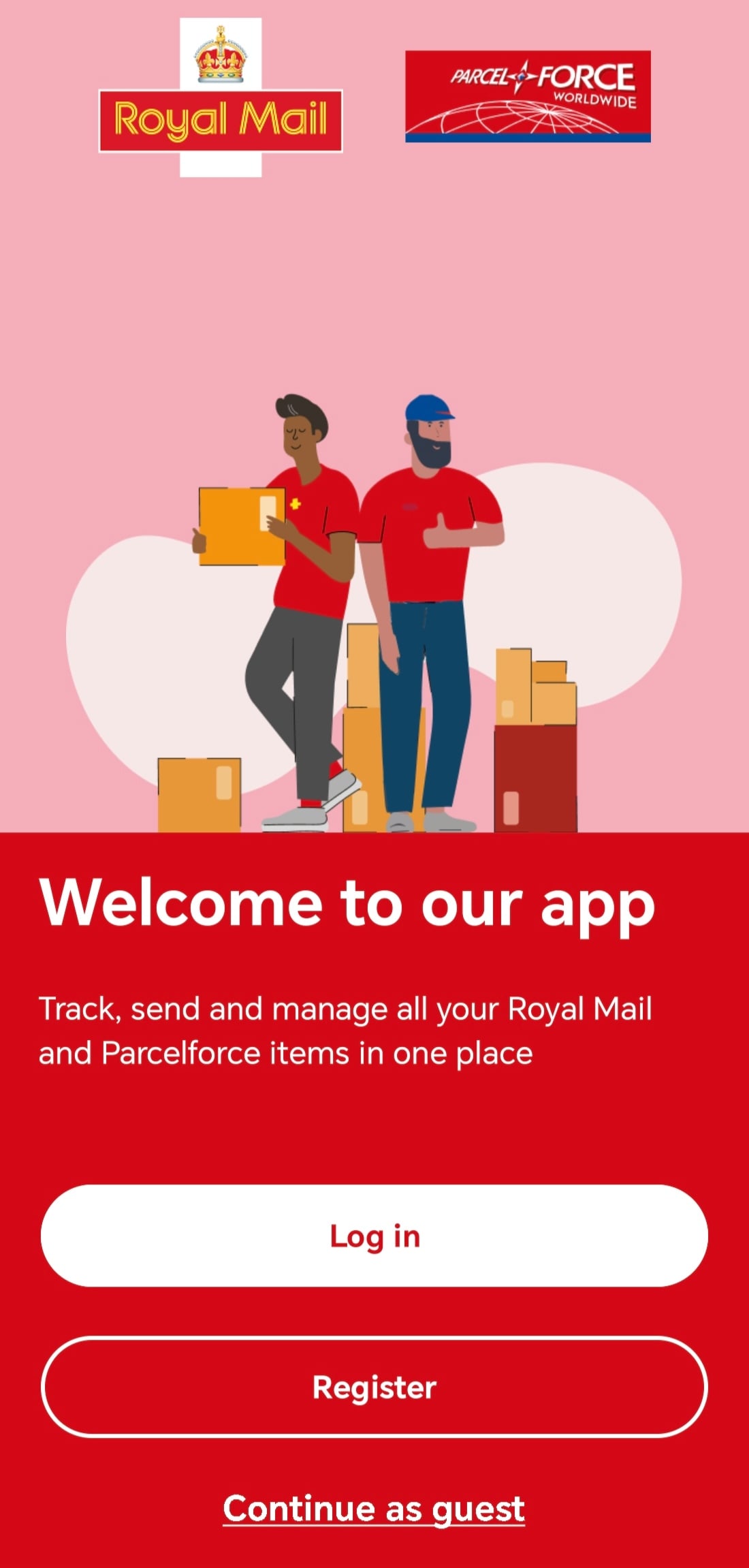
Step 1: Download the Royal Mail App
Click the link above and download the Royal Mail app to your phone (available on iOS and Android).
Once downloaded:
Create an account (or log in if you already have one)
Where possible, use the same email address you use for your Wolfworthy orders
Step 2: Track Your Wolfworthy Delivery
As soon as your order is dispatched in line with Wolfworthy’s delivery dispatch timeframes, you’ll receive your tracking details. Please click here for more information.
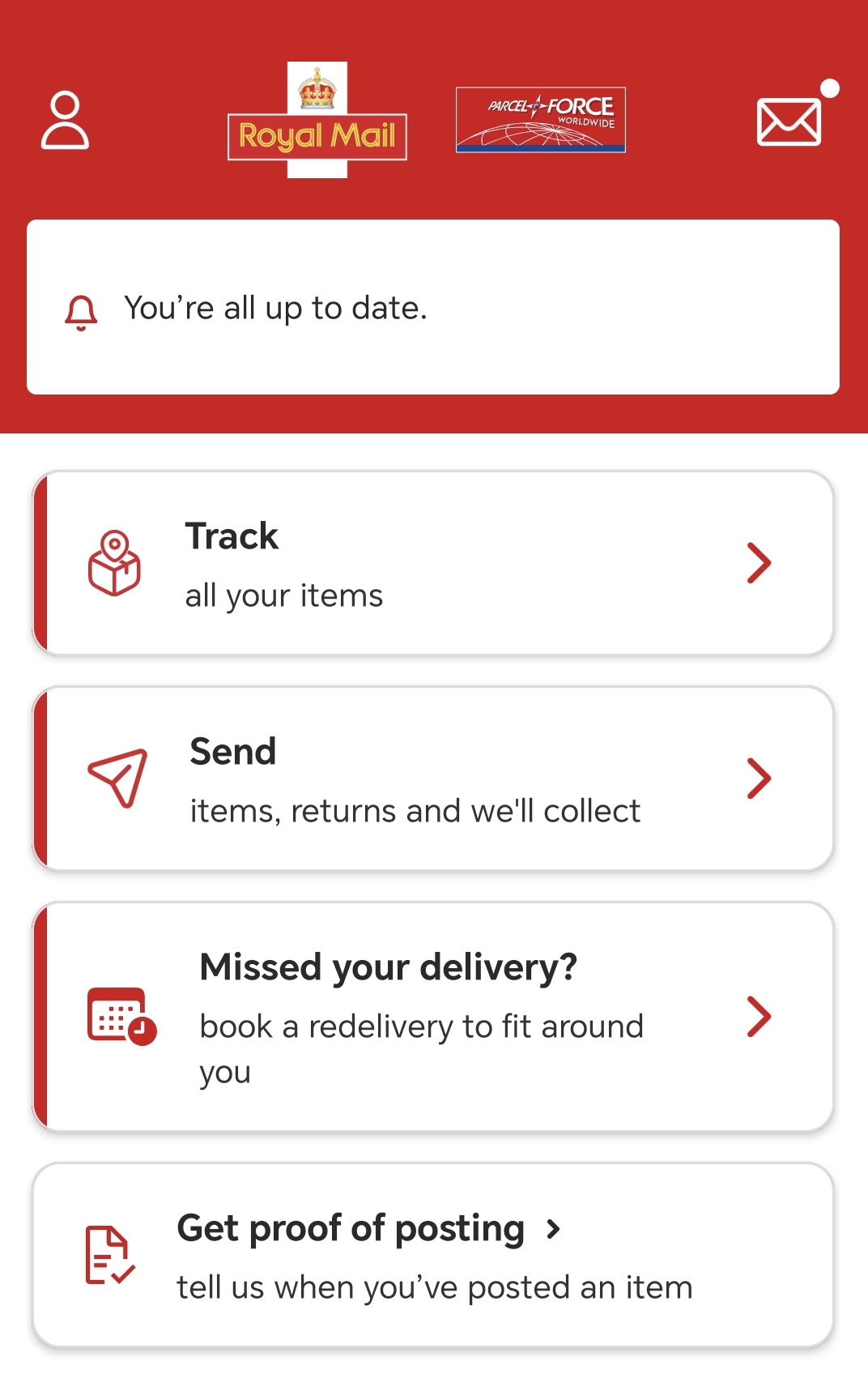
In the Royal Mail app, you can:
📍 Track your delivery in real time by adding in your tracking number.
🔔 Receive push notifications with updates
View your estimated delivery window
This means you’ll always know when your order is due to arrive.
Step 3: Set a Safeplace (If You’re Not Going to Be In)
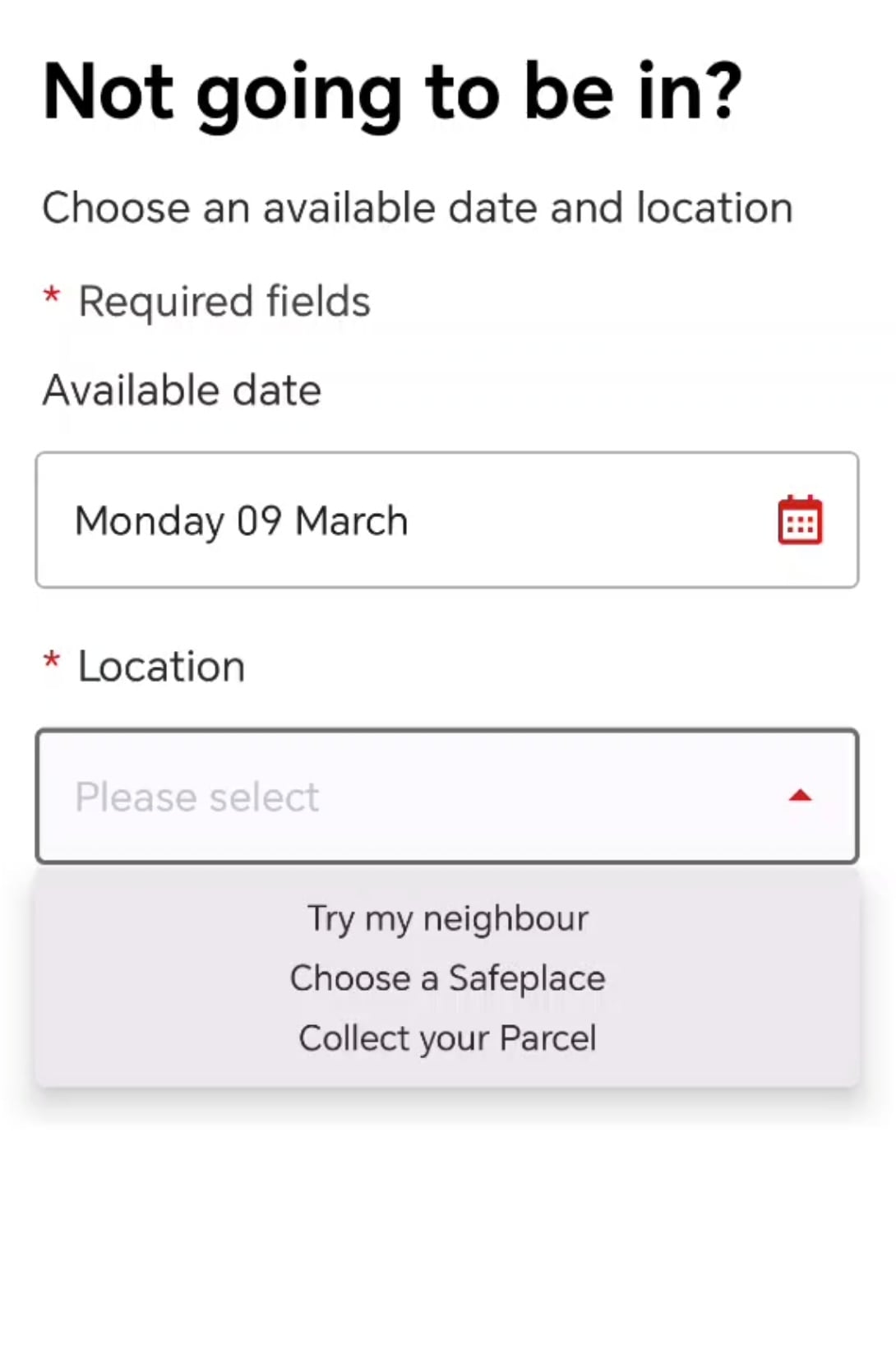
Not going to be home? No problem.
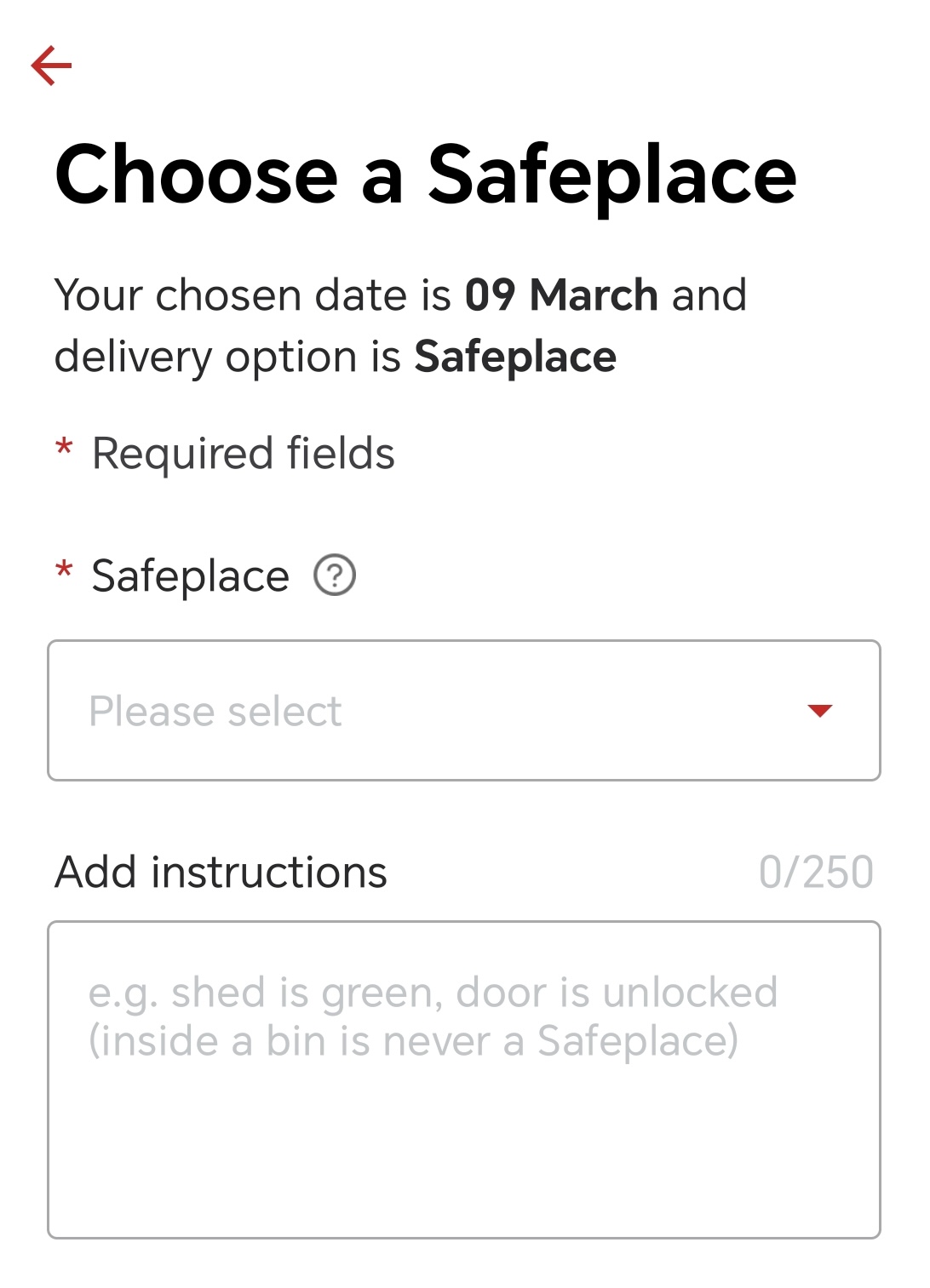
Using the app, you can:
Choose a Safeplace (e.g. porch, shed, behind a bin, etc.)
Leave delivery instructions for your postie
Update your preferences before delivery is attempted
This helps ensure your Wolfworthy box is left securely if you’re out.
If You’d Prefer an Alternative Delivery Option
The Royal Mail app also allows you to manage your delivery in other ways.
You can:
Divert your parcel to a local Post Office or Customer Service Point
Choose a nearby Parcel Locker (where available)
Book a redelivery for a more convenient day if you miss your delivery
Need your parcel sent to a completely different address?
This can usually be arranged through the Royal Mail app, but this option normally becomes available on the day of your scheduled delivery.
To request this change:
Open the Royal Mail app and select your delivery
Tap More Info
Select Change Delivery Options
Enter the postcode of the original delivery address
Choose Deliver to Another Address from the options
Click Continue
Enter the new delivery address and postcode
Submit your request
Royal Mail will then update the delivery instructions within their system.
Please note that delivery changes are managed directly by Royal Mail, so available options may vary depending on the stage of your delivery.
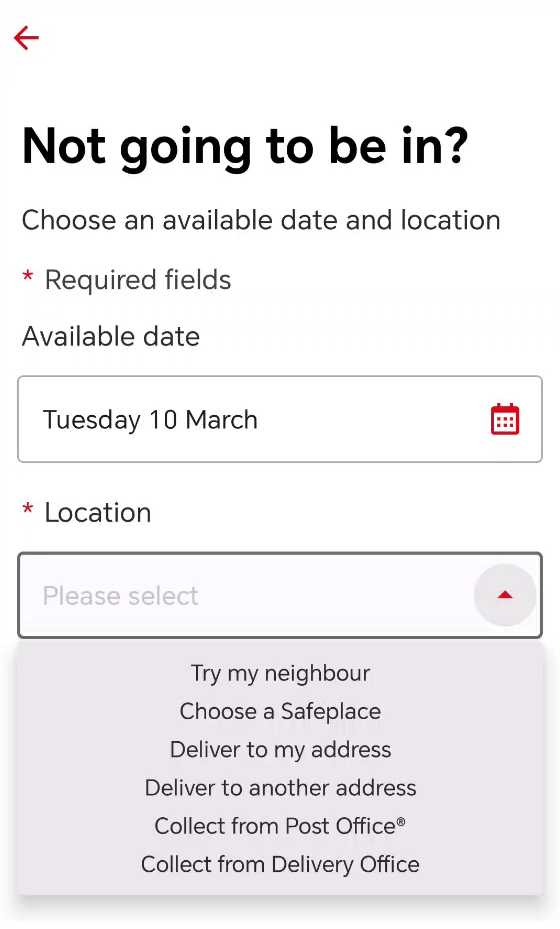
Everything can be managed directly in the app without needing to call or wait for a missed delivery card.
Why We Recommend the Royal Mail App
Using the Royal Mail app gives you more control, flexibility, and real-time updates for your Wolfworthy deliveries.
We highly recommend downloading it to make managing your deliveries as smooth as possible.
👉 Download here:
https://www.royalmail.com/downloadapp